
Vietnam Visa Website Not Working: How Can You Fix the Problem?
Latest update: Sep 16th, 2026
Table of Contents
- Are You Using the Correct Vietnam e-Visa Website?
- What Should You Do If the e-Visa Website Will Not Load?
- Why Is the Vietnam e-Visa Form Not Moving to the Next Step?
- What Should You Do If Vietnam e-Visa Payment Is Not Working?
- What If You Cannot Find Your e-Visa Application?
- Is a Website Error the Same as a Visa Rejection?
- Which Passport Problems Can Look Like Website Errors?
- When Should You Contact e-Visa Support?
- How Can You Avoid Losing Progress During the Application?
- How Can Expedite Vietnam Visa Help When the Online Process Is Difficult?
- FAQ
If the Vietnam visa website not working issue is blocking your application, first confirm that you are using the current official e-Visa portal and then check the browser, uploaded files, required fields, payment status and registration code. Expedite Vietnam Visa provides Vietnam visa assistance services, helping travellers review application details and identify avoidable problems before processing.
Are You Using the Correct Vietnam e-Visa Website?
The first troubleshooting step is confirming that the website itself is correct. Vietnam's electronic visa system moved to newer government domains in November 2024, so older bookmarks or saved links may no longer lead directly to the active application interface.
What Are the Current Official e-Visa Domains?
Applicants should use the current Vietnam government e-Visa portals:
evisa.gov.vn
thithucdientu.gov.vn
Travellers should check the domain carefully before entering passport, personal or payment information.
What Happened to the Older e-Visa Website?
Older immigration portal addresses may display a notice directing applicants to the newer system rather than showing the application form directly.
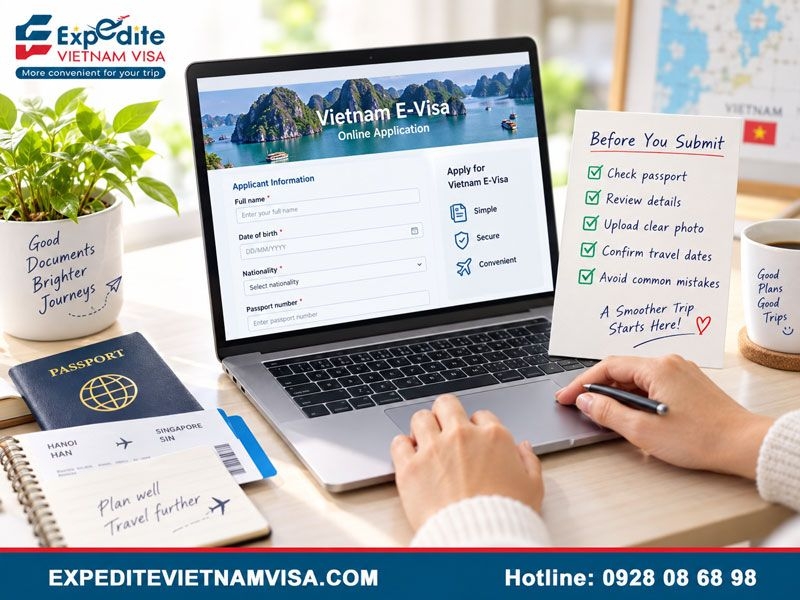
A redirect or outdated-looking page therefore does not necessarily mean that the entire electronic visa system is unavailable.
How Can You Avoid Using the Wrong Website?
Check the domain before providing personal information and avoid assuming that the first advertisement or search result is the official immigration portal.
Private assistance websites and government websites serve different purposes, so travellers should always understand which service they are using.
What Should You Do If the e-Visa Website Will Not Load?
A website that fails to open can be affected by the browser, network connection, cached data or a temporary session problem rather than the visa system itself.
Should You Try Another Browser?
Yes. As a general troubleshooting step, applicants can try a current version of:
Google Chrome
Microsoft Edge
Mozilla Firefox
A laptop or desktop computer may also provide a more stable experience than a mobile browser, particularly when uploading passport images or completing longer forms.
Should You Clear Cache and Cookies?
Clearing browser cache and cookies can help when an old session or saved website data interferes with the portal.
Applicants can also close the browser completely and reopen the website in a new tab or private browsing window.
Should You Change Your Internet Connection?
If the page repeatedly times out, try another stable network.
Switching between home Wi-Fi and a mobile hotspot can help determine whether the connection problem comes from the applicant's network rather than the visa portal.
Should You Use a VPN?
A VPN is not an official requirement for accessing the Vietnam e-Visa portal.
If a VPN is already active, temporarily disabling the VPN can help rule out routing or security conflicts. Travellers should not assume that connecting through a Vietnamese VPN server is necessary.
Why Is the Vietnam e-Visa Form Not Moving to the Next Step?
When the website loads normally but the form will not continue, the problem may involve a required field, uploaded file or captcha rather than the website itself.
Are All Required Fields Complete?
Review every field marked as required.
Commonly checked information includes:
Surname and given name
Date of birth
Nationality
Passport number
Passport expiry date
Intended travel information
Passport image
Portrait image
Do not leave required fields unfinished simply because the form appears to allow you to continue typing elsewhere.
Are Your Uploaded Images Too Large?
File size is a common source of upload problems.
The official system has specified limits for uploaded images, including a smaller size for the portrait image and a larger limit for the passport data page.
If an upload fails, resize or compress the file while keeping passport text readable and the portrait clear.
Is Your Passport Image Complete?
The full passport data page should remain visible and readable.
Avoid excessive cropping, glare, shadows or blurred information that prevents the name, passport number and other identity details from being checked clearly.
Is the Captcha Preventing Submission?
An expired or incorrectly entered captcha can stop the form from progressing.
Refresh the captcha when necessary and enter the displayed characters again rather than repeatedly clicking the next button.
What Should You Do If Vietnam e-Visa Payment Is Not Working?
Payment problems should be handled carefully because repeated attempts can create uncertainty about whether a transaction has already been recorded.
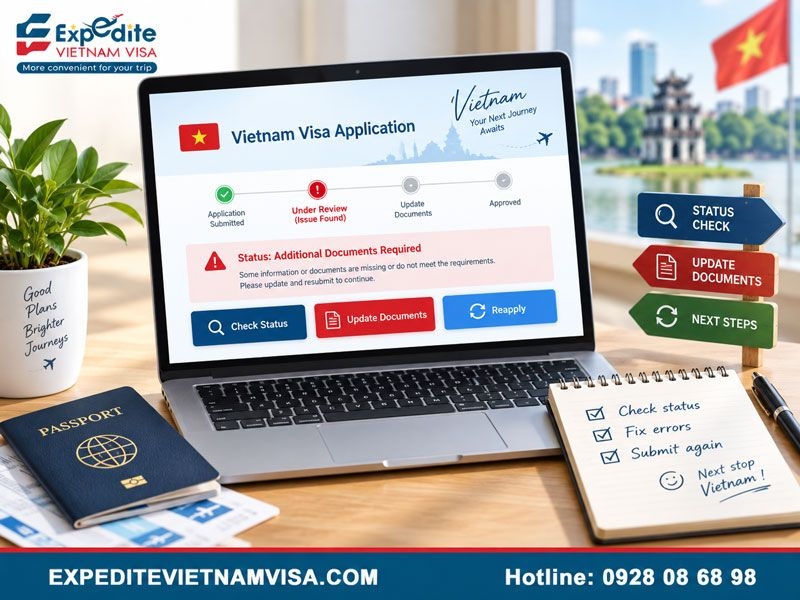
What Should You Check Before Paying Again?
If the payment page freezes or returns an error:
Check whether the card has been charged.
Save any payment confirmation or transaction reference.
Return to the application-status page.
Check whether payment is shown as completed or still required.
Retry only after confirming that the previous payment was not recorded.
Repeatedly clicking the payment button is not the best first response.
Can You Try Another Card?
If no previous charge has been recorded and the payment portal accepts another eligible payment method, another card may be attempted.
Applicants should also make sure that the card allows international or online transactions where required.
What If the Card Was Charged but the Application Shows Unpaid?
Keep the payment record and registration code.
Check the official application status again before creating another application. If the discrepancy remains, report the issue through the official e-Visa support channel with enough information to identify the case.
What If You Cannot Find Your e-Visa Application?
Application lookup normally depends on several pieces of information rather than the registration code alone.
Which Details Should You Check?
Applicants should confirm:
Registration code
Application email
Date of birth
Captcha
Make sure the information matches the original application exactly and that copied codes do not contain extra spaces.
Should You Immediately Submit a New Application?
No.
First determine whether the original application exists and whether payment was recorded. A duplicate application can make an already confusing technical problem harder to track.
Is a Website Error the Same as a Visa Rejection?
No. A browser problem, failed upload, expired captcha or unsuccessful payment does not by itself mean that Vietnamese authorities refused the visa.
Some travellers searching for Vetnam visa rejection rate may confuse technical failures with immigration refusals, but the two situations should be treated separately.
How Can You Tell Whether the Visa Was Actually Denied?
Use the application-status system to check the case rather than judging the outcome from a technical error.
A denied application may provide a reason or status information, while an application still being processed has not automatically been rejected.
What If the Application Needs an Update?
If the status interface provides an Edit or Update option, follow the available correction instructions.
Applicants should not automatically submit another application when an existing case can still be updated.
Which Passport Problems Can Look Like Website Errors?
Sometimes the portal is functioning correctly, but unusual passport data makes the applicant think the form is broken.
What If Your Passport Has No Family Name?
A passport with only one legal name can be difficult to fit into a form that requests both surname and given name.
Travellers facing this situation should review the guidance on Vietnam visa without surname rather than inventing a family name, repeating the name automatically or inserting an unsupported placeholder.
What If Your Name Does Not Fit the Standard Fields?
Applicants with several given names or unfamiliar naming structures should compare the form directly with the passport and machine-readable information.
Avoid changing legal name elements merely to make the form resemble a Western naming convention.
When Should You Contact e-Visa Support?
Official support becomes useful when basic troubleshooting has not solved the problem or when the system shows a discrepancy that applicants cannot correct themselves.
Which Problems Are Worth Reporting?
Examples include:
Payment recorded incorrectly
Application cannot be found
Repeated technical error
Form cannot be completed with accurate passport information
Update function does not work
Application status and payment status do not match
What Information Should You Prepare?
Keep useful case information ready:
Full name
Passport number
Nationality
Application email
Registration code
Screenshot of the error
Payment record when relevant
Short description of the problem
Specific information makes a technical issue easier to identify than a general message saying only that the website is not working.
How Can You Avoid Losing Progress During the Application?
Preparing documents before opening the form reduces the amount of time spent troubleshooting while a session is active.
What Should You Prepare in Advance?
Have these items ready:
Valid passport
Clear passport data-page image
Suitable portrait photo
Travel dates
Intended entry information
Accommodation details where required
Working email address
Payment method
Why Should You Save the Registration Code?
The registration code is important for checking application status and following up on technical or payment problems.
Save the code somewhere separate from the browser session rather than relying on an open tab.
Should You Use Several Tabs at Once?
Avoid completing the same application in several browser tabs.
Multiple active sessions can make it harder to know which version contains the latest information.
How Can Expedite Vietnam Visa Help When the Online Process Is Difficult?
Expedite Vietnam Visa provides visa assistance for travellers who want help preparing and reviewing application information before processing.
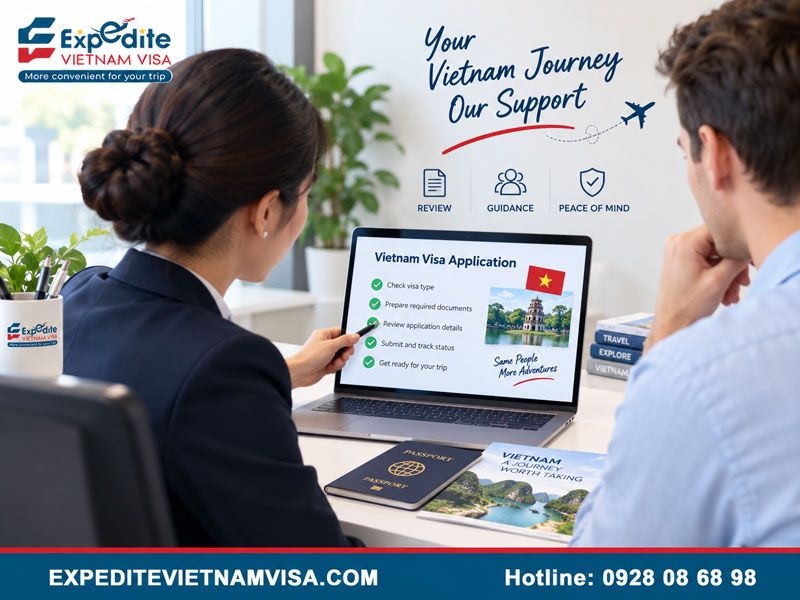
Support can include checking passport details, name fields, uploaded documents, travel information and application consistency, helping applicants identify avoidable problems before submission.
Who May Benefit From Additional Visa Assistance?
Additional support may be useful for:
First-time applicants
Travellers facing repeated form errors
Applicants with unusual passport names
Families submitting several applications
Business travellers
Travellers with an approaching departure date
Visa assistance does not replace the decision-making role of Vietnamese immigration authorities.
Which Visa Services Can Travellers Consider?
Tourists can review the Vietnam Tourist E-Visa, while eligible commercial travellers can explore the Vietnam Business Visa.
Travellers visiting relatives can consider the Vietnam Family Visit E-Visa. Applicants with limited time before departure can also review the Urgent Vietnam Visa Service or Emergency Vietnam Visa Service.
Expedite Vietnam Visa assists with application preparation and review, while final visa processing and immigration decisions remain with the relevant Vietnamese authorities.
FAQ
What Is the Current Official Vietnam e-Visa Website?
The current government domains include evisa.gov.vn and thithucdientu.gov.vn.
Why Does the Old Website Redirect?
The Vietnam Immigration Department moved the electronic visa system to newer domains in November 2024.
Why Will My Passport Image Not Upload?
Check file size, image clarity and whether the complete passport data page is visible.
What Should I Do If Payment Fails?
Check whether a charge was recorded and review the application payment status before attempting another transaction.
Should I Use a VPN?
A VPN is not required. If a VPN is active, temporarily disabling the VPN can be used as a troubleshooting test.
Should I Create a New Application If the Website Crashes?
Not immediately. First check whether the original application, registration code and payment were successfully recorded.
Contact Expedite Vietnam Visa
Email: [email protected]
US phone: +1 (972) 666-0676
Vietnam phone: +84 928 08 68 98
WhatsApp: +84 928 08 68 98
Website: https://expeditevietnamvisa.com/
Head Office:
1900 Jay Ell Drive, Richardson, TX 75081, United States
Branch Office:
4000 North O Street, Fort Smith, AR 72904, United States
Representative Office:
56 Nguyen Cu Trinh Street, District 1, Ho Chi Minh City, Vietnam

Over the past 23 years in the travel service industry, the growth and success of TRANSOCEAN have stemmed not only from the dedication of our well-trained, enthusiastic, and customer-oriented staff, but also from the exceptional leadership of our Founder and CEO, Mr. STANLEY HO. With more than 20 years of experience in the travel and tourism sector, Mr. STANLEY HO possesses profound knowledge of the market, customer behavior, and modern travel trends. His strategic vision has guided the company toward sustainable growth while maintaining a strong commitment to service quality.